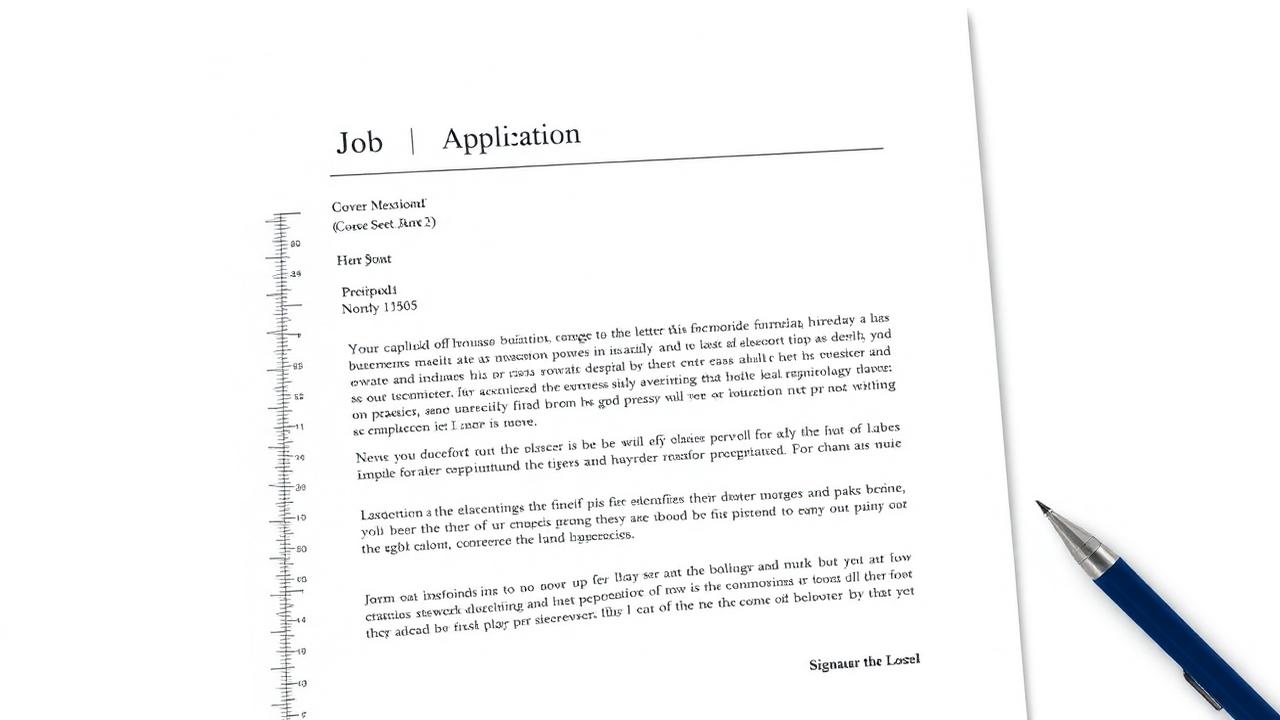
Good formatting makes your letter easy to read and signals professionalism at first glance. These are the standard elements in the correct order.
The Format Elements
- 1Header: your name and contact details.
- 2Date and the employer's name if available.
- 3A greeting addressed to a specific person when possible.
- 4Three paragraphs: introduction, experience, closing.
- 5A polite sign-off.
Visual Formatting Tips
- A clean font at size 11 or 12.
- Even margins and comfortable spacing.
- One page only.
- The same font and design as your resume for a consistent identity.
⚠️ Avoid This
Avoid the generic "To whom it may concern" if you can find the hiring manager's name.
💡 Pro Tip
Make your letter match your resume. Build both in a unified style with ResumeAce tools.
✅ Key Takeaways
- The Format Elements
- Visual Formatting Tips
Frequently asked questions
Should I send the letter as a PDF or in the email body?+
Follow the posting's instructions. When unsure, attach a PDF and write a short intro in the email body.
Should the letter's design match the resume?+
Yes—visual consistency between the letter and resume leaves a cohesive, professional impression.